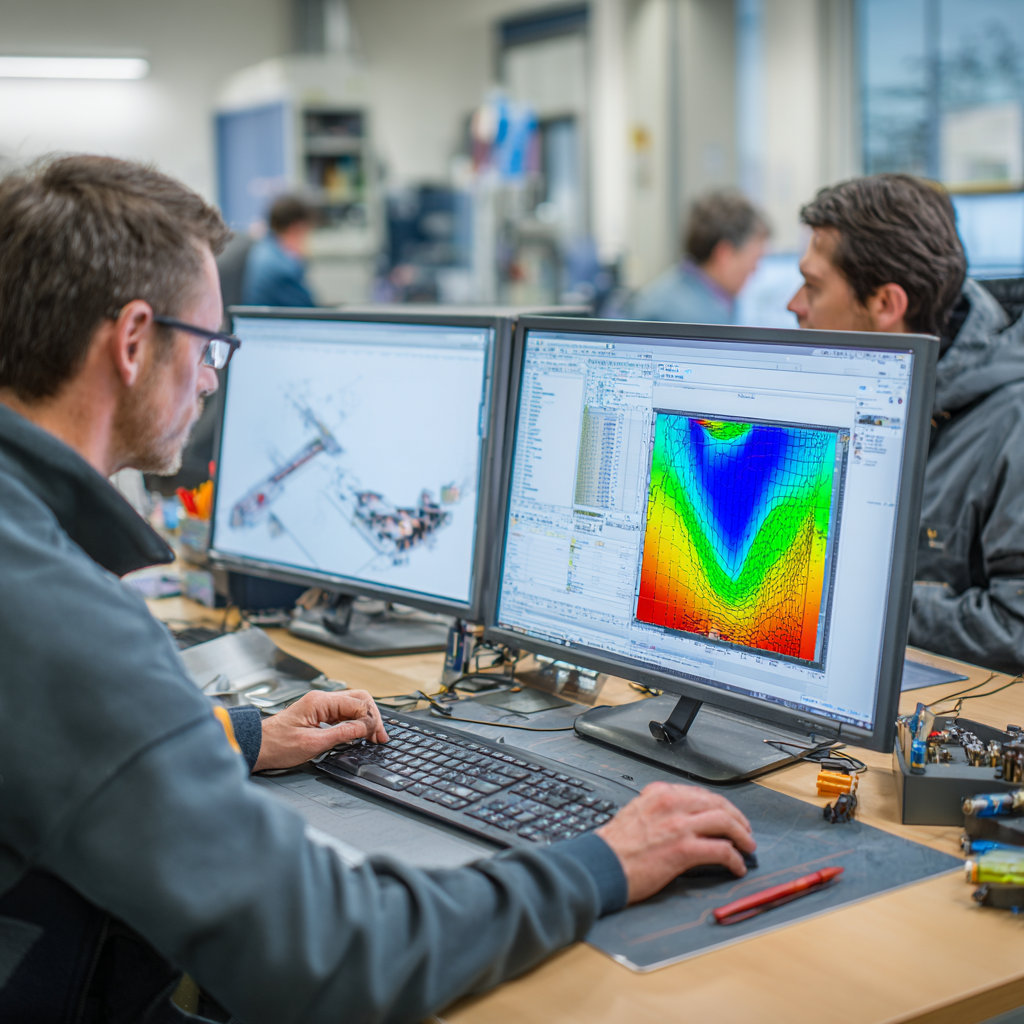
In large manufacturing enterprises, scientific research institutions or engineering service companies,Abaqus has become one of the preferred platforms for structural nonlinear analysis and multiphysics simulation..It can handle complex contact, plastic deformation, large deformation, fracture, composite materials and other difficult problems, and is especially suitable for computational simulation in aerospace, automobile collision, precision engineering and other fields.
But at the same time,Abaqus modules are expensive and resource scheduling is complicated, especially in an environment where multiple project teams are used in parallel, it frequently appears:
- Simulation task queuing and permission conflicts;
- The module is heavily occupied and its use is opaque;
- “Resource grabbing” between projects is inefficient;
How to expand the capacity without blindly expanding the capacity?Improve license usage efficiency through reasonable resource scheduling, is a problem that every simulation supervisor, IT administrator and technical director needs to face.
1. Brief description of Abaqus authorization system
Abaqus uses FlexNet the billing unit of the floating license authorization mechanism is “Token”. Each time a user runs a model, the system will borrow the corresponding number of Tokens from the license pool and release them automatically after the simulation is completed.
The Token consumption of common modules is as follows (estimated):
| Module/Function | Token quantity |
|---|---|
| Abaqus/Standard single core solution | 5 tokens |
| Abaqus/Explicit single-core solver | 5 tokens |
| Each additional core parallelism (HPC) | +1~2 Token |
| Abaqus/CAE (pre- and post-processing) | 6 tokens |
| Complex contact, multi-field coupling model | 10~15 Token (or even higher) |
For example: an Abaqus/Explicit analysis task using 8 cores for parallel solution may require 12~15 Tokens at one time.
2. Licensing management problems used by project teams
1. Serious queuing conflicts during peak periods
- Multiple project teams submit simulation tasks in similar time periods;
- The token has been occupied by some projects for a long time, and other groups cannot submit jobs.
2. User hangs up or forgets to release
- The CAE or Solver interface remains open and occupies Token;
- The job has ended but the process has not been completely shut down, resulting in “zombie occupation” of resources.
3. Unreasonable parallel settings
- Engineers use multi-core parallelism at will, occupying a large amount of Tokens;
- There is no unified parallel specification, and there is an imbalance between task granularity and token utilization.
4. Lack of usage data support
- It is difficult for IT managers to answer “who uses it more” and “should I buy more?”
- Project leaders also don’t know whether team members are using it adequately.
3. Five key strategies for rationally scheduling licensed resources
1. Establish standards for parallel use
- Define the upper limit of parallel cores based on task scale and importance level;
- For example, it is recommended to use ≤4 cores for ordinary simulation tasks, and relax it to 8 cores for high-priority tasks;
- Resource quota control is implemented through scripts or task schedulers.
2. Introduce queuing scheduling system (such as Nodexel)
- Submit the simulation job to the scheduling platform, and the system will automatically allocate it based on Token idleness;
- Supports priority and queue policy management to prevent low-priority tasks from occupying high-value resources.
3. Implement automatic release and timeout detection
- Set up the task idle detection mechanism, and automatically release the Token when the simulation ends;
- Leverage a licensing optimization platform to identify long-term inactive processes and reclaim resources.
4. Establish project authorization quotas
- Allocate the upper limit of Token usage by project group;
- Support setting “soft limit” and “hard limit” to improve fairness;
- It is convenient for the project leader to control the licensing structure within the group.
5. Deploy a visual monitoring and statistics platform
- View the Token usage of each module, user, and project in real time;
- Generate monthly and quarterly usage reports;
- Provide a basis for purchasing decisions and avoid “buying more and using less” or “resources are tight but I don’t know whether to expand capacity.”
4. Actual benefits brought by Nodexel license optimization
In the deployment practice of multiple enterprises, the following strategies can be achieved by adopting the above strategies:
- Concurrent usage increased by 30~60%, no need to increase the number of licenses;
- The average queuing time of simulation tasks is reduced by 50%+;
- User satisfaction is significantly improved and conflicts over competition for resources between projects are reduced;
- IT management is more evidence-based and procurement budgets are more accurate.
- Automatically identify “inefficient usage” and “abnormal suspension”;
- Realize cross-regional and cross-department Token dynamic scheduling;
- Supports LDAP/AD binding user behavior for traceability and quota management.
5. Conclusion
The powerful capabilities of Abaqus coexist with the high license price. How to achieve efficient simulation under a limited budget is a problem that every project team and corporate R&D department must solve.
Reasonable parallelism, grouping limits, queuing scheduling, behavior monitoring and license optimization are the core paths to achieve “buy fewer licenses, use more licenses”.
The improvement of simulation efficiency is not only a problem of the performance of the software itself, but also depends on whether the enterprise has a scientific license scheduling management system.
