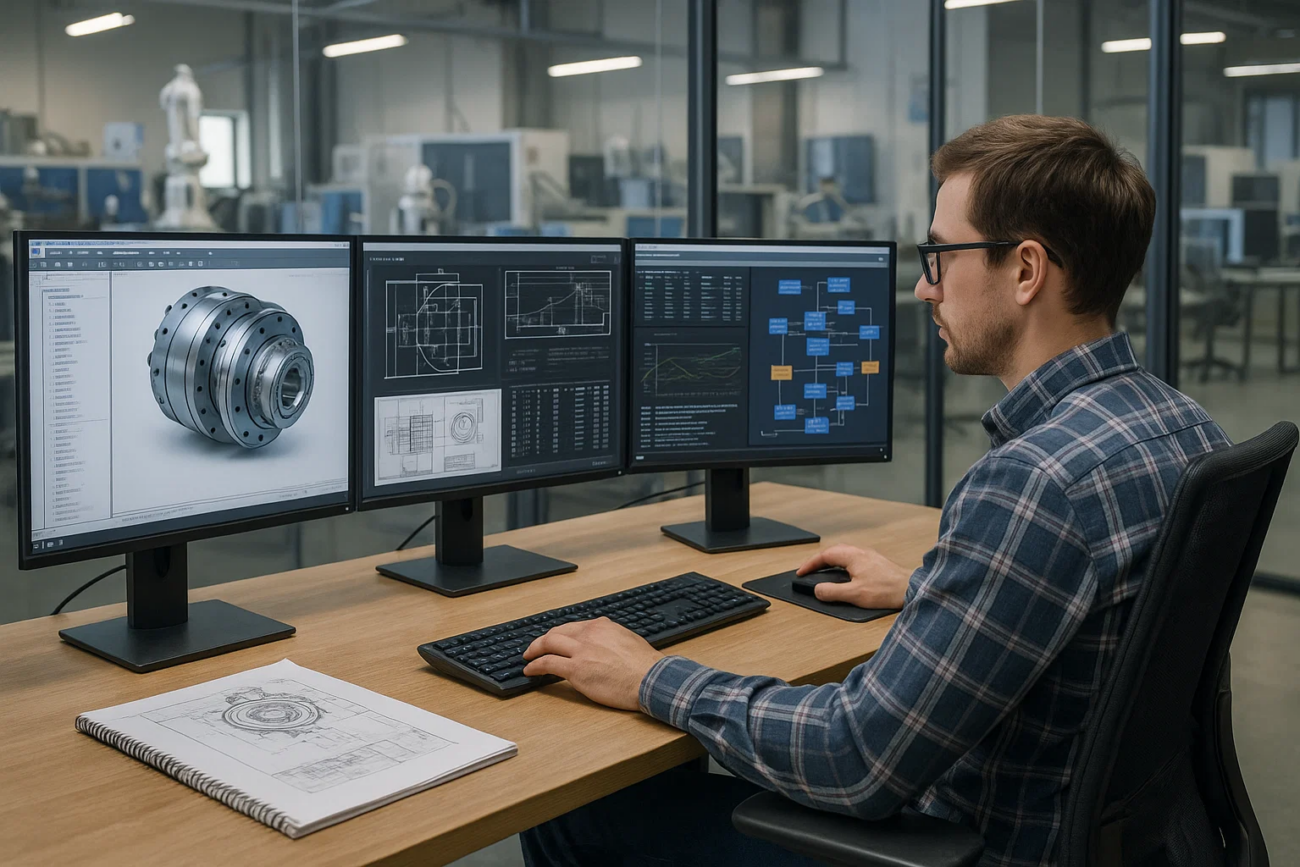
1. Industry background and usage status: AutoForm is the core tool for sheet metal forming research and development, but it has long lacked visual management.
in the fields of automotive stamping, body-in-white manufacturing, panel engineering, mold factories, parts suppliers, etc.AutoForm it has become a mainstream sheet metal forming simulation platform. Enterprise engineers use AutoForm in their daily work to:
- Analyze forming feasibility (Formability)
- Predict defects such as cracking, wrinkling, springback, etc.
- Optimize drawbead, press force, and process compensation
- Virtual verification before mold design
- Batch working condition calculation and parameter iteration
- Collaborate with AutoForm-Solver, AutoForm-DieDesigner, AutoForm-Trim and other modules
The use of AutoForm presents typical engineering characteristics:
- The solution task requires a large amount of calculation and takes a long time to simulate. Some working conditions require several hours or even longer.
- Engineers are used to keeping solvers or GUIs running for long periods of time
- Project nodes (such as before trial production, before tooling is frozen) will experience concentrated bursts of use.
- Different teams (process, mold surface, analysis) share the same authorization pool, which is prone to congestion.
In the absence of monitoring means, companies often experience:
- AutoForm fails to start → displays license exhausted
- I don’t know who is occupying the Solver and who is occupying the GUI
- The user has not operated for a long time but remains occupied.
- The residual process does not release the license after the solution is completed.
- During the peak period, departments blamed each other for “licensing was taken up by others”
- Management cannot determine whether an expansion license is needed
- The usage status of multiple factories and multiple divisions is completely invisible.
The AutoForm authorization pool has therefore been called a “critical black box resource” in the enterprise.
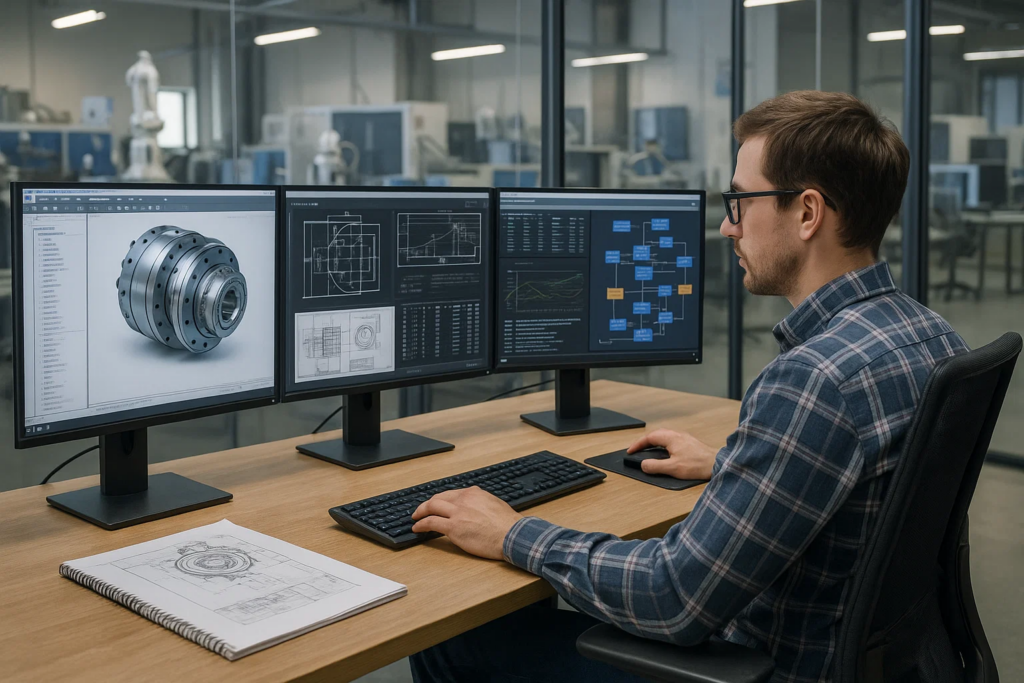
2. Typical challenges faced by enterprises in AutoForm usage and management
[Pain points from a technical perspective]
- The floating license is often full and the software cannot be started.
- Unable to see in real time who is occupying the GUI/Solver
- The engineer is idle for a long time but still keeps the license occupied
- The process still occupies the license after the solution task ends
- Batch scripts (such as multi-parameter iteration) hang, causing long-term resource locks
- Solver work conditions are submitted centrally, and conflicts occur frequently during peak periods, affecting project progress.
[Pain points from a management perspective]
- Without real data, it is impossible to formulate a reasonable purchasing plan
- There is competition among departments for resources, and there is no basis for determining who is a high-frequency user.
- Resource constraints at project nodes lack quantifiable explanations
- Distributed teams (headquarters, factories, outsourcing) are difficult to monitor uniformly
- It is impossible to judge whether expansion is needed, and it is easy to blindly purchase additional products.
- Unable to identify idle and abnormal occupancy, resulting in serious waste of budget
The root causes of these pain points are: AutoForm usage behavior is not visible, quantifiable, or analyzable.
3. How Nodexel intervenes and builds AutoForm’s visual usage management system
Nodexel does not change the way AutoForm is used, nor does it interfere with the engineer’s solution process. Instead, it provides enterprises with a transparent platform of “real-time usage monitoring + data analysis”.
1. Real-time monitoring of AutoForm license usage
Nodexel can display in real time:
- All engineers currently using AutoForm
- Occupied module type (GUI, Solver, DieDesigner, etc.)
- Length of use
- Remaining amount of authorization pool
- Whether it is currently in Active/Idle state
- Use trend graph (whether the load is close to the upper limit)
Allowing management to truly see the live load of AutoForm for the first time.
2. Automatically identify Idle users
The system recognizes:
- No mouse or keyboard operation for a long time
- Engineer leaves workstation but keeps AutoForm open
- The GUI is not exited after the solution is completed
Idle sessions are automatically marked to reduce resource waste.
3. Automatically identify abnormal occupancy and perform gentle recycling
For example:
- Solver is solved but the process remains
- Batch processing task hangs
- License not released after closing software
Enterprises can choose to automatically recycle idle occupancy according to policies without interfering with normal tasks.
4. Provide department-level and project-level usage analysis
Includes:
- Is the die set used the most?
- Does the craft group experience a sudden increase in resources before the node?
- Does a certain model project occupy a large number of Solvers for a long time?
- Which team has a higher idle ratio?
Helps enterprises shift AutoForm resources from “contention” to “managed allocation.”
5. Visually display the peak and trough periods of AutoForm
Such as:
- Daily peak hours (9-11 a.m., 14-17 p.m.)
- Solver load changes during the project development cycle
- Resource impact caused by secondary development/multiple rounds of modifications
- Monthly and quarterly licensing pressure trends
Allows management to use data to evaluate whether expansion is needed.
6. Support cross-regional and multi-team unified monitoring
Applies to:
- Headquarters Stamping Process Center
- Factory mold department
- Overseas R&D Center
- Supplier Design Team
All usage scenarios are consolidated into one visual interface.
4. Direct management value brought by data insights
Enterprises often obtain the following quantifiable benefits in practical applications:
1. AutoForm license utilization increased by 20%–45%
Idle occupancy and abnormal occupancy are reduced, and Solver/GU is used more efficiently.
2. Idle occupancy decreased by 30%–60%
Waste caused by engineers forgetting to log out is significantly reduced.
3. The startup failure rate during peak periods is significantly reduced
Engineers spend less time waiting in line for permits.
4. Authorization budget is more accurate
No longer “blindly purchase”, but make decisions based on real usage data.
5. The overall project delivery process is smoother
Process verification, mold surface modification, and working condition analysis are no longer stuck due to resource constraints.
5. Real usage scenarios by engineers
Mold surface engineering department of a car company, 10 a.m. on Tuesday.
Engineer Xiao Zhou was about to open AutoForm-DieDesigner to check the drawing surface modification results, but a prompt popped up:
“No Available License”
The project is in a hurry, everyone is running Solver, and many parties are speculating on each other:
- “Is the craft team full?”
- “Is the mold factory running batch conditions?”
- “Did someone forget to exit the GUI?”
Without any monitoring tools, the problem cannot be located.
After enabling Nodexel:
- Showing two engineers Idle for more than 90 minutes
- A Solver remains occupied after the nightly solution ends
- The demand for die dough sets peaked in the morning of that day
- The craft group is not the main source of occupancy
The administrator immediately released the Idle session, and Xiao Zhou successfully opened AutoForm and continued the working condition analysis.
This is the most typical real-life enterprise scenario: Problems that could not be located in the past become instantly understandable and manageable through visualization.
6. Summary: Nodexel brings AutoForm authorization management into the digital era
The value of Nodexel lies not in exaggerated publicity, but in building a set of Infrastructure for engineering software usage monitoring and data management:
- Make the use of AutoForm transparent
- Help reduce resource waste
- Improve R&D link efficiency
- Make budgets more accurate and controllable
- Improve simulation software return on investment (ROI)
- Support the construction of project digital management system
When AutoForm is no longer a “black box resource,” engineering collaboration and project schedules improve.
