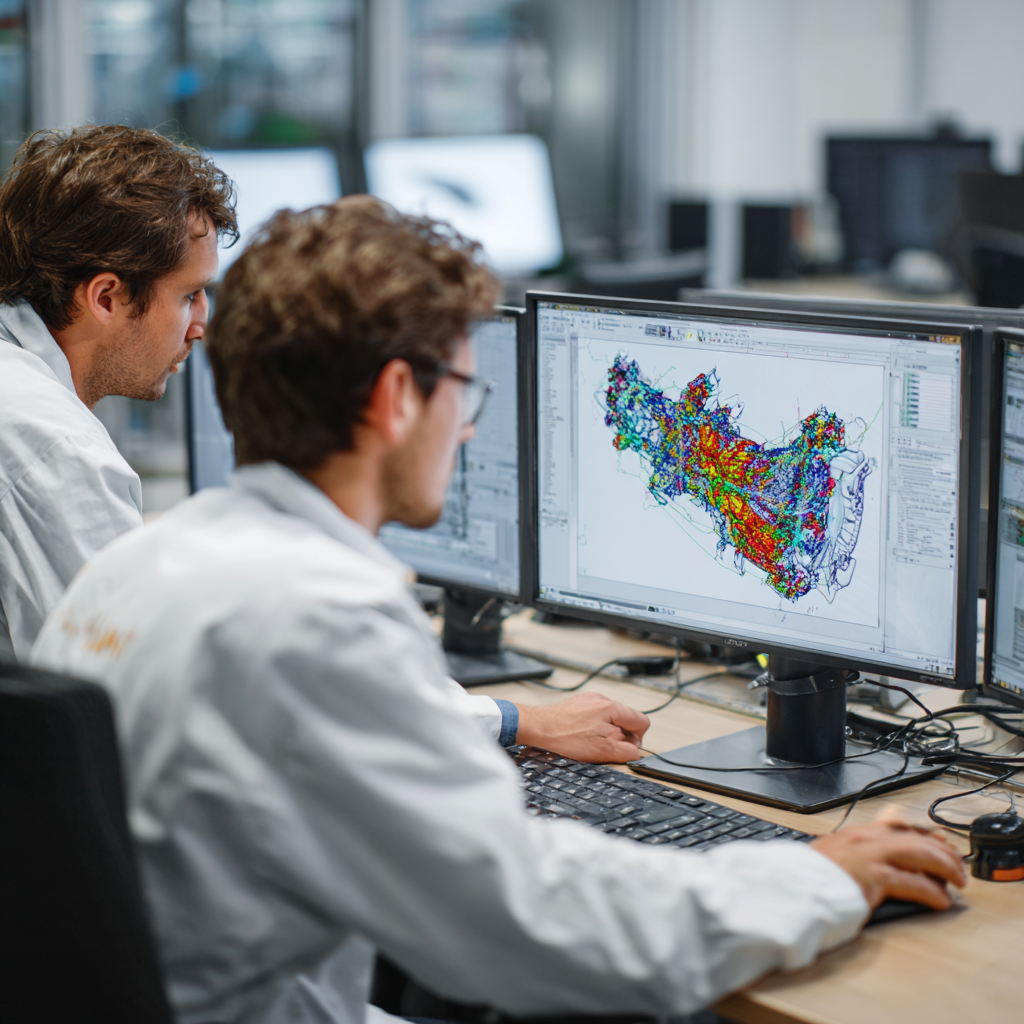
In manufacturing enterprises, scientific research institutions and design institutes,ANSYS has become an important tool for structural simulation, thermal simulation, and multi-physics analysis..Especially as the number of CAE engineers continues to grow and simulation computing tasks become increasingly intensive, companies have adopted the “floating license” model to deploy ANSYS to improve resource reuse.
However, bottlenecks frequently occur in this mode:
“I can’t get a permit during the morning rush hour, so I have to wait in line for people to log off.” “I obviously bought 20 sets of licenses, but 10 people were chatting and 5 were hanging up, holding on to them” “The license utilization rate is not clear, and IT is not sure whether it should be purchased again.”
Queues, waste, and uncontrollable usage—floating licenses are supposed to improve efficiency, but they have become new pain points. this article combines the actual usage of enterprises to analyze common problems with ANSYS floating licenses and explores paths for efficient management.
1. Why does ANSYS floating license frequently get stuck?
ANSYS authorization adopts a modular floating license model (mainly FlexNet), which distributes authorization based on the server-client architecture, with flexible deployment and centralized management. However, there are the following typical problems in actual use:
1. Serious queues during peak hours
- Engineers initiate simulation tasks from 9 to 1 a.m. and from 2 to 5 a.m. on weekdays;
- Multiple departments share the same license pool, which can easily lead to “more monks and less rice”.
2. Occupied for a long time without releasing
- The user leaves the workstation after running the simulation;
- After the simulation is completed, the ANSYS software is not actively exited, and the license is still occupied;
- Some scripts or background processes always hold a license handle (such as Mechanical Launcher).
3. Unable to monitor usage behavior
- IT can only see total current license usage;
- It is impossible to determine who has occupied which module and for how long;
- Usage behavior is completely uncontrollable, and there is a lack of historical records to support optimization.
4. Multiple software concurrency conflicts
- Enterprises deploy multiple CAE software (such as ANSYS, Fluent, Abaqus);
- The same user opens multiple simulation platforms at the same time, and the licensed resources are occupied multiple times.
2. The basis of the licensing architecture used in ANSYS
Typical deployment scenarios are as follows:
- License Server deployed in the enterprise data center, running
ansyslmd.exeand other authorized services; - The client connects to the server by setting environment variables or the License.ini file;
- All modules (such as Mechanical, CFX, Fluent, HPC Pack) require corresponding function authorization;
- Authorization units are based on “quantity” and “concurrency”, for example:
- Mechanical Enterprise (ME) module = 1 License
- Fluent Solver = 1 License
- HPC parallel acceleration = license allocation based on the number of cores (e.g., 8-core requires 4 HPC licenses)
the nature of the problem it’s not a software problem;User behavior + lack of system scheduling policy.
3. Achieve efficient management of ANSYS license? Adopt Nodexel core functions:
1. Establish a real-time visual monitoring mechanism
- Monitor the current usage of each module;
- Record each user’s login time, module used, and duration;
- Distinguish between valid use and invalid occupancy.
2. Set automatic release rules
- For clients that have been idle for more than a specified time (such as 20 minutes), the system forcibly releases their licenses;
- Alert the user or safely disconnect inactive connections.
3. Refined group management and usage priority
- Set licensing quotas or priorities for project groups/departments;
- High-quality projects can take priority in seizing authorized resources to ensure that key tasks are not hindered by inefficient tasks.
4. Regularly generate statistical analysis reports
- Generate usage charts by user, module, and time period;
- Provide the basis for enterprise decision-makers on “whether capacity should be expanded” or “whether someone is wasting”;
- Supports evaluation of modules using hot and unpopular functions.
5. Unified resource scheduling across regions
- For enterprises with multiple factories and multiple R&D points;
- Unified access to local license pools and dynamic distribution through the scheduling platform improves overall utilization.
4. From floating license to “intelligent license optimization”
Many leading manufacturing companies no longer rely solely on FlexNet Server or manual IT monitoring, but instead introduce Third-party license optimization platform (Nodexel), to achieve the three-step process from “visible” to “controllable” and then to “schedulable”:
| Optimization stage | achieve goals |
|---|---|
| 1. Data visualization | Who uses how much? When to use it? |
| 2. Behavior controllable | Timeout release + module limit |
| 3. Scheduling Intelligence | On-demand distribution + priority setting + project authorization |
While ensuring the stability of the simulation process, it greatly improves the efficiency of licensing usage. Enterprises can support concurrent use of more users under existing resources without purchasing a large number of additional licenses.“Buy less certificates, use more certificates” has become a reality.
Conclusion
ANSYS simulation software has greatly improved the capabilities of engineering research and development, but the unreasonable use of the license management model often results in waste of resources and team friction.
Enterprise IT managers and engineering directors should think about the floating license scheduling mechanism from a system perspective and achieve a win-win situation of cost and efficiency through real-time monitoring, behavioral control and intelligent optimization.
Floating licenses are not the issue, the issue is whether the management method matches the usage pattern.
